
Display Booking
Please consult the following page for more information to create a new booking.
Booking Setup
Once you clicked on the Display booking type, a series of forms to enter the booking details will be presented. The first form is the Booking setup:
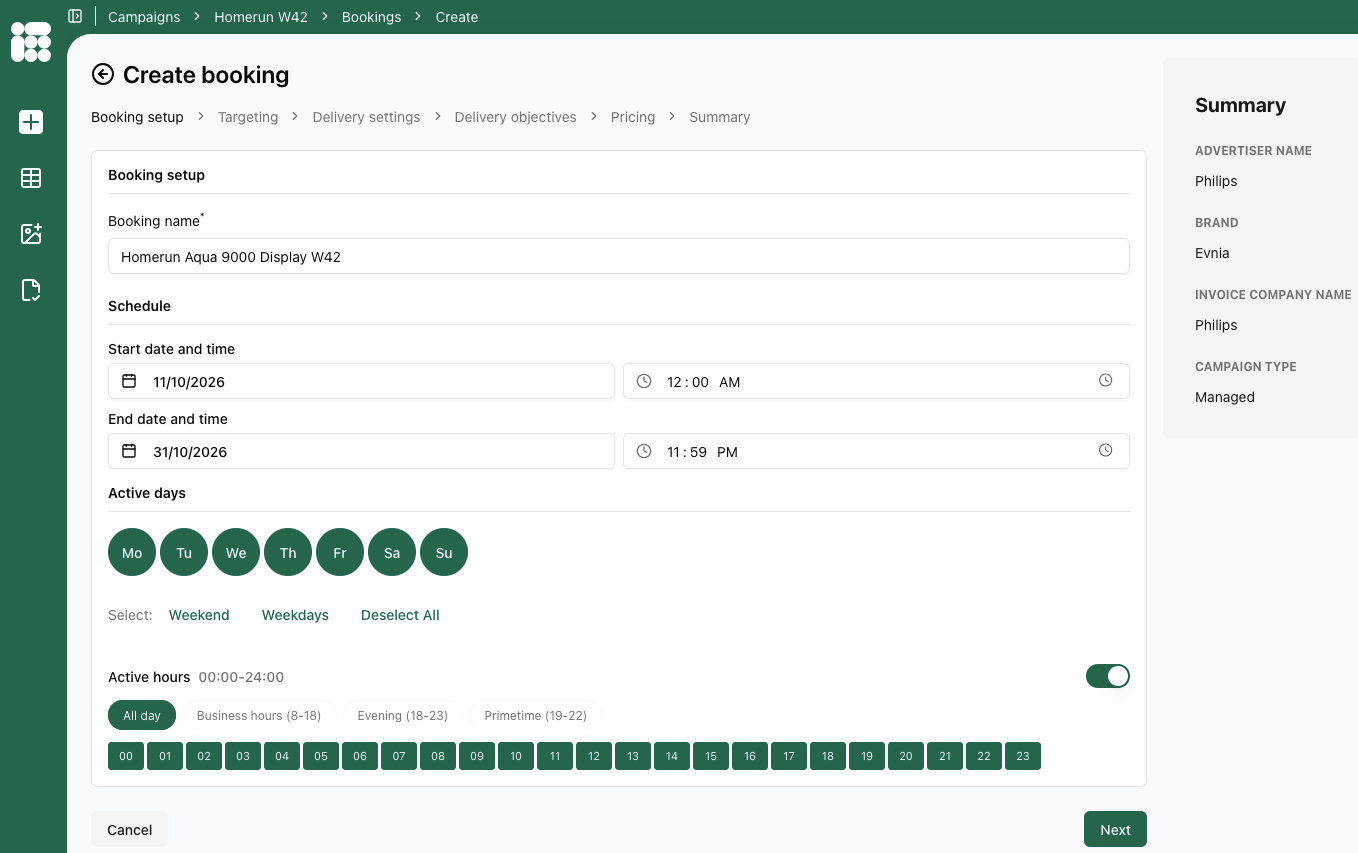
In this form, the following details need to be entered:
- Booking name
- Schedule: Start date and End date of the booking including start hour and ending hour. By default the the date of today is chosen for the start date and the beginning and end of the day are chosen for the beginning and ending hours of the booking.
- Active days: Days the booking will be displayed, with quick selects available for the weekend and weekdays.
- Active hours: Toggleable setting which shows the hours during which the booking will be active, with quick selects available for Business hours, Evening, and Primetime.
Once you're done filling in the details of this screen, you can click Next to proceed to the next form.
Targeting
In this form the Bookings placements and targets will be filled in.
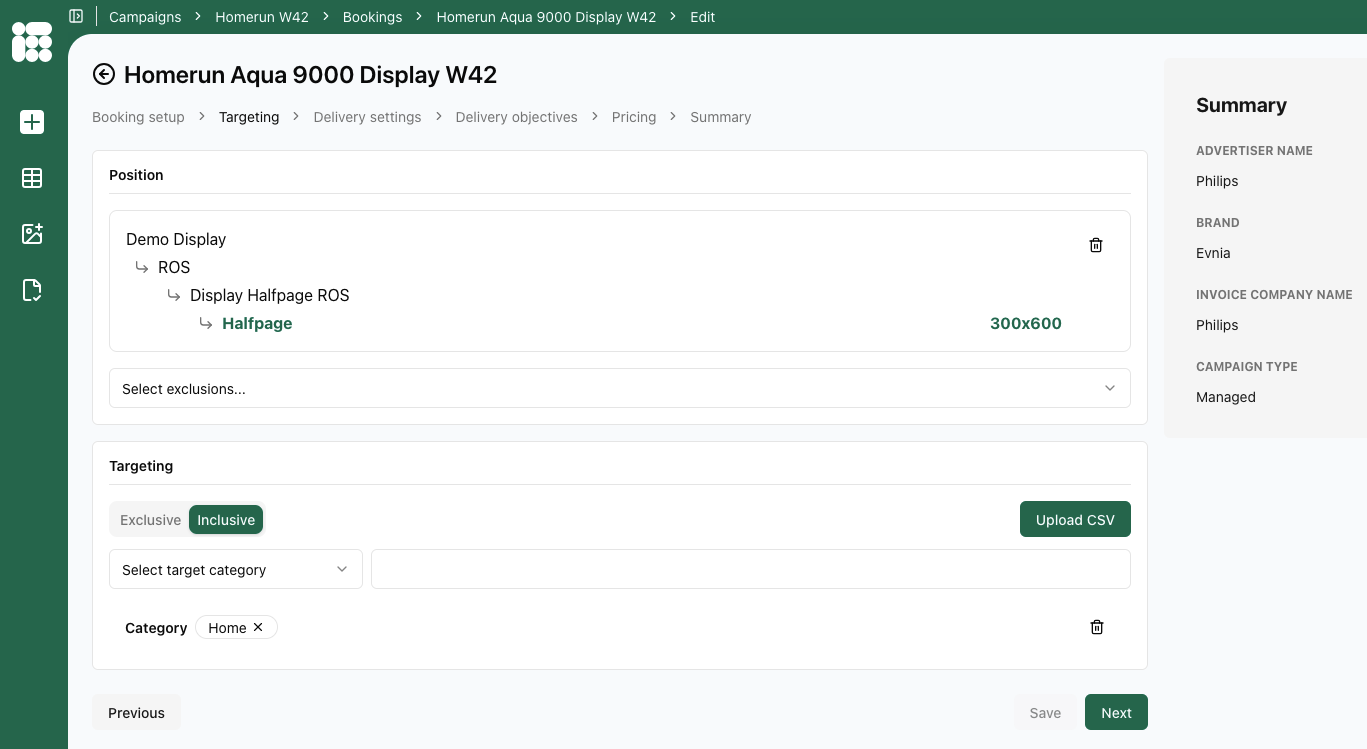
the following details need to be entered:
---
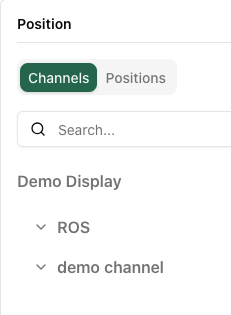
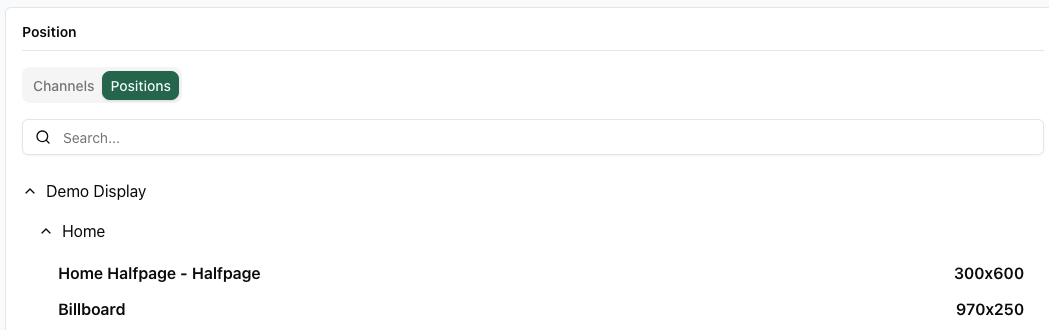
- Position: Either a channel or a single position. The Channel is organised by Location -> Position -> Format; the Position is organised by Publication -> Location -> Format
- Exclusions: Either Exclude on Advertiser, Campaign or Creative.
- Advertiser: the current booking must not be delivered with any other booking from the same advertiser.
- Campaign: the current booking must not be delivered with any other booking from the current campaign.
- Creative: a creative linked to that booking can only be delivered once to the web page. This is useful when multiple formats with the same dimensions are requested on a web page, and a creative should be displayed only once on that page. Other creatives in the same campaign or coupled with the same booking can still be delivered on the same webpage.