Booking
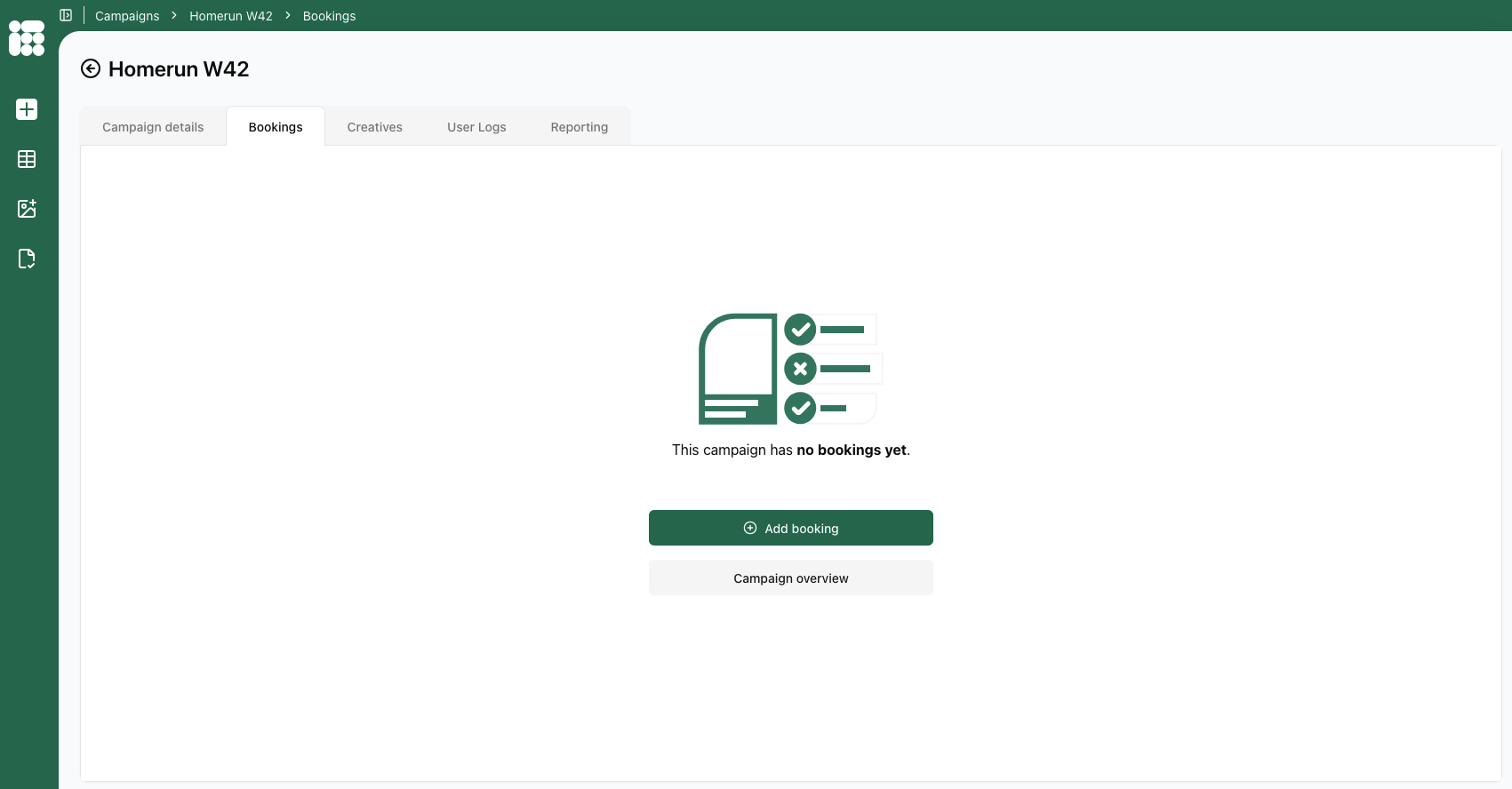
After creating a campaign, you will arrive at the Bookings tab. To create a new booking, click Add booking.
You can also open an existing campaign and click on the booking tab to create new bookings in existing campaigns.
From the empty booking tab, you can also return to the campaign overview by clicking on the option under Add booking.
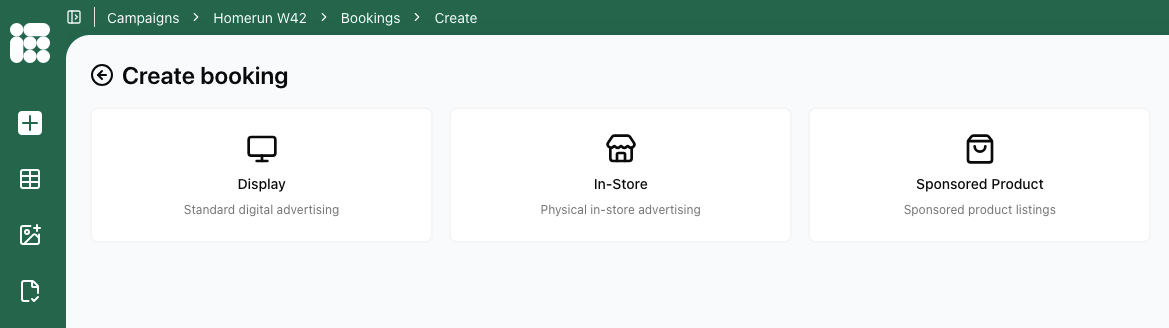
Once you clicked Add booking you will come to the following screen to select a booking type. What booking types are available depends on the configuration of your account.
If you need a change in what booking types are available to your account, please contact Support.
All possible booking types available are:
- Display: classic web and app advertisements
- In-Store: DOOH ads delivered to mapped digital screens
- Sponsored Product: product list ads based on a retailers stock